Get Started with Dhub
Dhub is a Git-based CMS for Docusaurus and other documentation frameworks. Think Notion-like editing, but everything syncs with your GitHub repo.
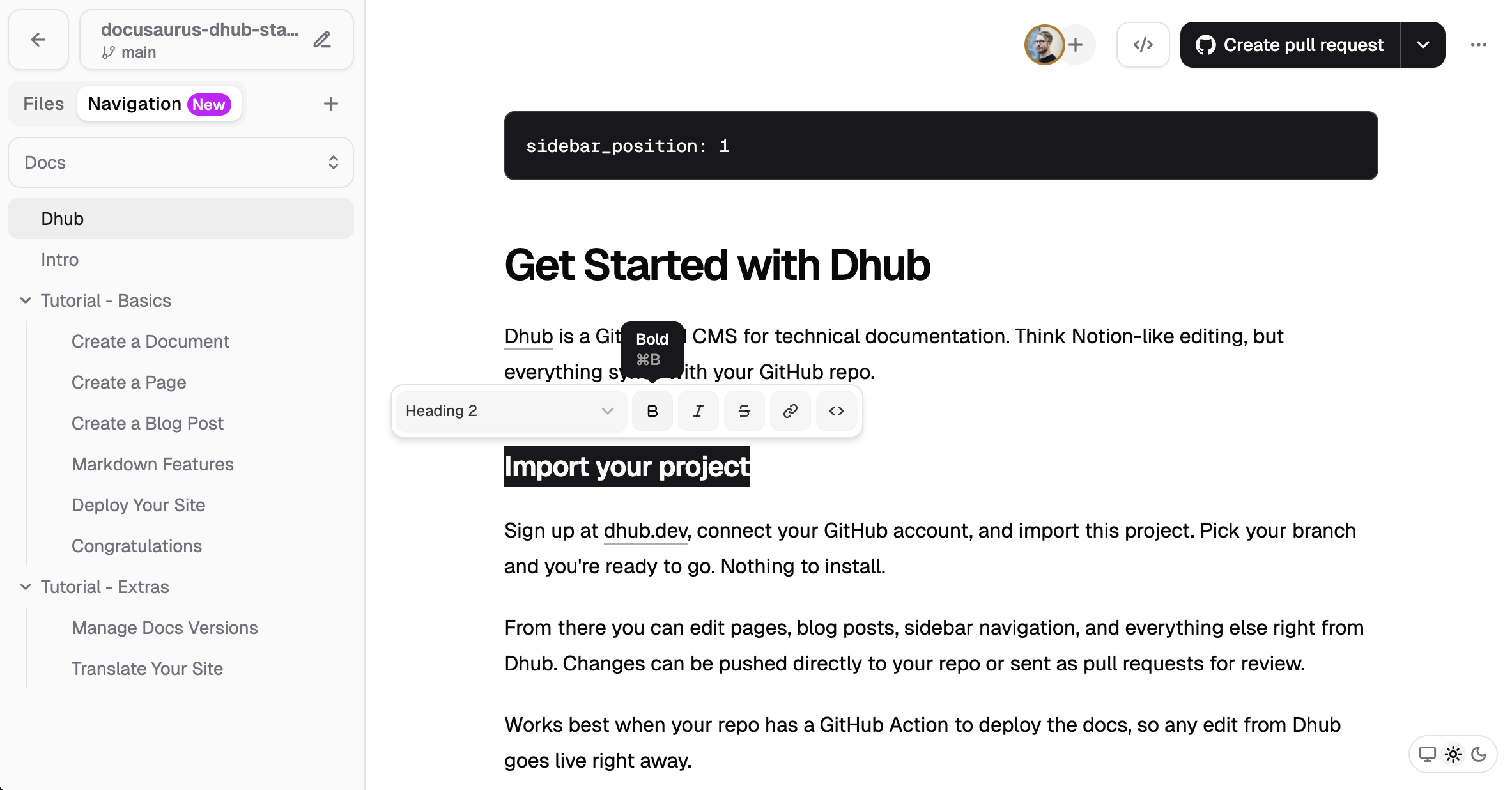
Editing this page in Dhub
Getting started
You don't need any special setup:
- Fork this template
- Sign up and import the project
- Start editing — you now have a Notion-like editor for your documentation
If you deploy your site to Vercel or Netlify with a GitHub Action, every change you make in Dhub goes straight to your live docs site.
From Dhub you can edit pages, blog posts, sidebar navigation, and everything else. Changes are pushed directly to your repo or sent as pull requests for review.
Sidebar navigation
This template uses a navigation.json file in the project root to define the docs sidebar. Dhub reads and writes this file, so you can rearrange your sidebar visually in Dhub's Navigation panel. No need to edit config files by hand.
Visual editor
You see your content as it looks on your site, not raw Markdown. The editor has a Notion-style bubble menu for formatting, a / command menu for images, tables, code blocks, callouts, and more. You can upload images and use MDX blocks for custom React components.
Read more about the editor on the Dhub blog.
Get started
Head over to dhub.dev to import this project.